Make Airbnb Photos Look Professional Without a Photographer
Simple ways to make Airbnb photos look professional without a photographer: better lighting, staging, cropping, and enhancement — no full reshoot needed.
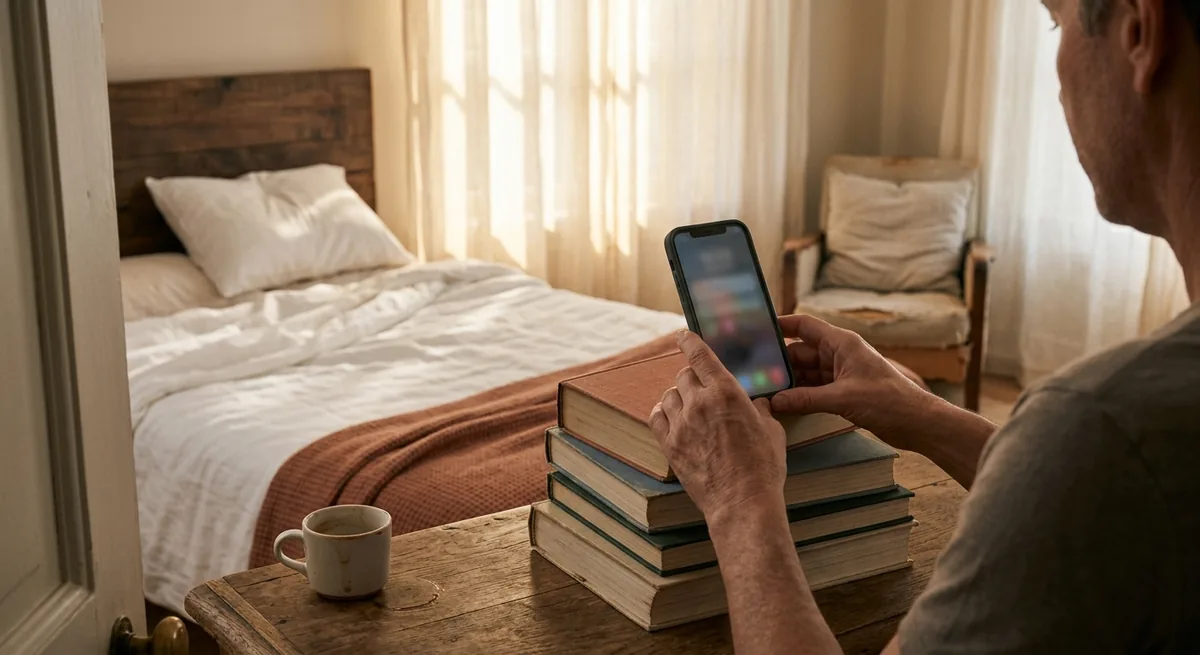
A professional shoot for a vacation rental can run several hundred dollars, and scheduling one means coordinating around bookings, cleaners, and daylight. So most small hosts do the rational thing: they shoot the listing themselves, wince a little at the results, and move on.
Here's the part nobody tells you: you can make Airbnb photos look professional without a photographer, because most of what reads as "professional" has nothing to do with the camera. It's light, tidiness, straight lines, smart cropping, and consistent editing. A photographer brings those habits; the gear is secondary.
The short answer: shoot in bright, indirect daylight with every lamp on, stage each room like a guest arrives in an hour, hold the phone level at chest height so vertical lines stay vertical, crop out clutter, and finish with light, consistent editing or an enhancement tool. Those five habits fix most of the gap between amateur and professional photos.
This guide walks through when a reshoot is overkill, the seven fastest fixes, what to handle in post-processing, and a one-afternoon workflow you can run this week.
When you don't need a full reshoot
If your photos are blurry, tiny, or five renovations out of date, book the shoot — no amount of editing rescues a photo of a sofa you no longer own. But if your photos are merely flat — accurate but dim, cluttered, or oddly framed — you're a candidate for the DIY upgrade instead.
A quick self-test. Open your listing on your phone and ask:
- Is the content right but the presentation weak? The room looks like the room, just darker and messier than in person.
- Were they shot on a phone from the last few years? Modern phone cameras are good enough; old photos from an early-generation phone usually aren't.
- Is the problem concentrated in a few images? A weak cover photo and two dim bedrooms can be fixed one frame at a time.
Say you run a two-bedroom condo at $180/night and your photos are honest but lifeless. You don't have a $400 photography problem — you have a free afternoon-of-light-and-staging problem. Save the photographer budget for after you've exhausted the fixes below.
The 7 fastest fixes to improve Airbnb photos yourself
These are roughly in order of impact. You could stop after the first three and guests would notice.
1. Shoot in the right light
Light is the single biggest "professional vs. amateur" tell. Shoot in late morning or early afternoon on a bright day, open every curtain and blind, and turn on every lamp anyway — interior lights fill shadows and make rooms feel warm. Avoid shooting directly into a bright window, which turns the room into a silhouette.
2. Stage like a guest arrives in an hour
Photographers spend more time moving things than shooting. Clear counters down to two or three intentional items, hide cords and remotes, straighten bedding and pull it tight, fluff and chop pillows, close toilet lids, and remove anything personal. One coffee tray or a folded throw adds life; six countertop appliances add noise.
3. Keep your verticals vertical
Tilted walls and converging door frames scream "phone snapshot." Hold the phone at chest height — not eye level — and keep it level, not angled up or down. Turn on your camera's grid and line the verticals in the room up with the grid lines. This one habit makes every room look more architectural.
4. Crop with intention
Every frame should answer one question: what is this photo about? Crop so the subject — the bed, the view, the tub — dominates, and edge out the half-visible laundry basket or the sliver of hallway. Shoot landscape (horizontal) for rooms; Airbnb's gallery and search thumbnails favor it.
5. Sequence the set so it tells a story
A strong set in a confusing order still loses guests. Lead with your single best frame — your cover photo choice deserves its own deliberate decision — then walk guests through the space the way a stay unfolds: living space, bedrooms, bathrooms, kitchen, then extras and surroundings.
6. Edit — lightly
Brighten shadows, nudge contrast, and warm the white balance so whites look white instead of yellow or blue. Then stop. Oversaturated grass and glowing HDR interiors set expectations your property can't meet, and the gap shows up in reviews. The goal is your space on its best real day.
7. Keep a consistent look across the set
Edit every photo with the same settings so the gallery feels like one shoot, not a scrapbook. Mixed color temperatures — one orange bedroom, one blue bathroom — quietly signal "amateur" even when each photo is fine alone. Consistency also pays off everywhere the photos get reused, including your own direct booking website.
What to improve in post-processing
Some fixes belong in the room; others belong on the screen. Don't try to edit your way out of clutter, but do let software handle what it's good at:
- Exposure and shadows — lifting a dim room to bright-but-natural is the highest-value edit there is.
- White balance — correcting the yellow cast from warm bulbs makes linens and walls look clean.
- Straightening — a one-degree rotation fixes a tilted horizon; perspective correction rescues slightly converging walls.
- Clarity and sharpness — a modest bump makes textures (wood, linen, tile) read crisply at thumbnail size.
You can do all of this manually in a free editor, or run your images through a purpose-built listing photo enhancer that applies real-estate-style corrections automatically. Either way, judge the result at the size guests see it: a thumbnail on a phone, not full-screen on your laptop.
What guests notice first in your Airbnb photos
It helps to edit for the guest's eye, not yours. Skimming a listing, guests register, in roughly this order:
- Brightness. Dim photos read as small, dated, or hiding something — even when the room is lovely.
- The bed. Crisp, hotel-tight bedding is the strongest single cleanliness signal in the whole gallery.
- Clutter. Guests can't articulate it, but a busy counter makes a space feel smaller and less cared for.
- The bathroom. One bright, honest bathroom photo builds more trust than three artsy detail shots.
- Whether it all adds up. Do the photos agree with each other and with the description? Coherence builds the confidence that turns a click into a booking — the same confidence that fills your calendar, which is why photos sit alongside pricing and reviews in any serious plan for getting more bookings.
The one-afternoon upgrade workflow
Here's the whole project as a checklist you can run start to finish in an afternoon. Block four hours on a sunny day between checkouts.
- Audit (20 minutes). Open your listing on your phone. Score each photo 1–5 on brightness, tidiness, and straight lines. Anything scoring 3 or less goes on the reshoot list.
- Stage (60 minutes). Work room by room: clear surfaces, tighten bedding, hide cords and bins, close toilet lids, turn on every lamp.
- Shoot (60 minutes). Late morning or early afternoon. Chest height, grid on, verticals straight, landscape orientation. Take three versions of each frame — one straight-on and two angles — so you can pick later.
- Select (20 minutes). Choose one winner per shot. Be ruthless: 20 strong photos beat 45 mixed ones.
- Enhance (30 minutes). Apply the same edits to the whole set — exposure, white balance, straighten, light sharpening — by hand or with an enhancement tool.
- Re-sequence (15 minutes). New cover photo first, then the story of a stay.
- Verify (15 minutes). Look at the updated listing on your phone next to three competitors. Note today's date, then compare views and bookings over the next few weeks.
Start with one photo this week
You don't have to run the whole workflow at once. Pick the single photo doing the most work — your cover image — and give it the full treatment: stage the room, reshoot it in good light, enhance it, and swap it in. That one frame influences more clicks than the rest of your gallery combined. And if you're not sure the photo is even the problem, the views-but-no-clicks audit checks your cover, title, and price framing in one 30-minute pass.
Then work through the afternoon workflow when you have a gap between guests. Better photos lift every channel at once — your Airbnb click-through, your listing conversion, and the first impression on your own site. For the bigger picture on turning those clicks into revenue you keep, the free Short-Term Rental Revenue Playbook covers what comes after the photos.
Free Tool
See your hero photo, enhanced.
Try it on your current hero photo — upload it and see what better light, color, and clarity look like in seconds, free.
Try the Image Enhancer